
A CRM can transform how a small business sells and follows up with customers, but only if it is set up properly. Many teams buy a tool, import a spreadsheet and stop there. Use this checklist to get real value from your CRM from day one.
1. Define what you want to improve
Pick two or three measurable goals before touching any settings: fewer lost leads, faster follow-up after a quote, a clearer view of the sales pipeline. Every setup decision should serve those goals.
2. Map your sales pipeline
Write down the real stages a deal goes through, from first contact to signed contract. Keep it simple: five to seven stages are usually enough. Each stage should have a clear definition so the whole team uses it the same way.
3. Clean and import your data
- Remove duplicates and outdated contacts before importing.
- Standardize fields such as company names, phone formats and countries.
- Decide which custom fields you really need, and skip the rest.
4. Connect email, calendar and phone
Syncing email and calendars means every conversation and meeting is logged automatically. Integrated telephony goes further, centralizing calls in the same customer record.
5. Automate the repetitive tasks
- Automatic follow-up reminders when a deal stays too long in one stage.
- Email sequences for new leads and after sending a quote.
- Assignment rules so new leads reach the right person immediately.
6. Build dashboards that matter
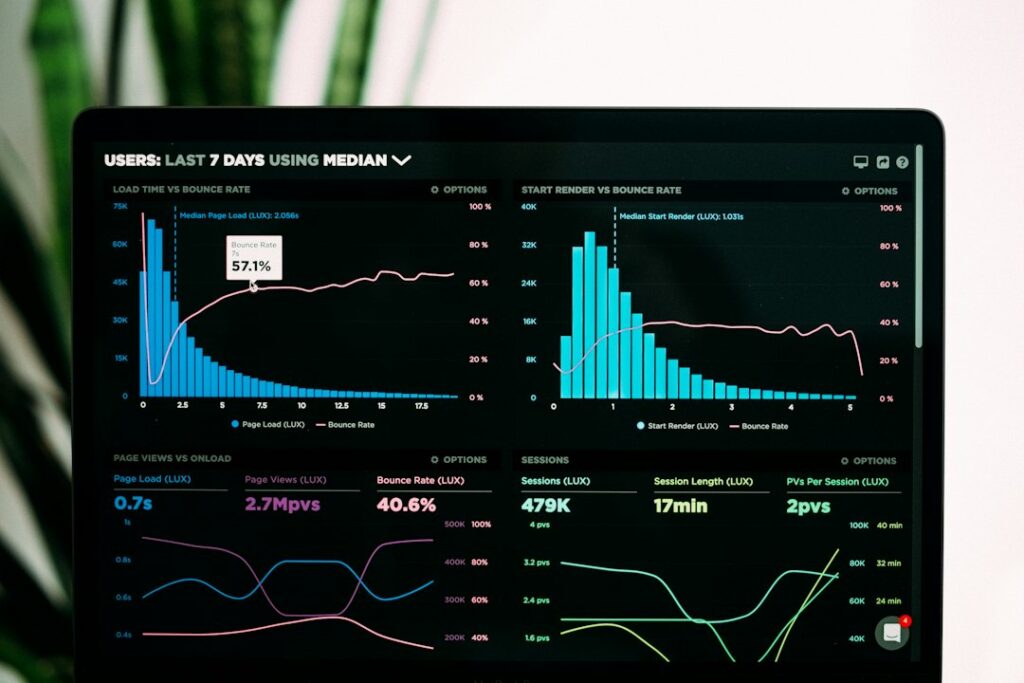
Create a few dashboards tied to your goals: pipeline value by stage, conversion rates, activity per salesperson. AI-assisted reporting can surface trends you would otherwise miss.
7. Train the team and review monthly
A CRM only works if people use it. Run a short training session, document the rules, and review the setup every month to adjust stages, fields and automations.
Let Linkor set it up for you
With Linkor Flow, Linkor sets up a custom CRM with integrated telephony, email synchronization and automated marketing campaigns, starting at $169 per month. Read our article on the five processes to automate first, see our plans or contact us.